Enable SNMP Monitoring
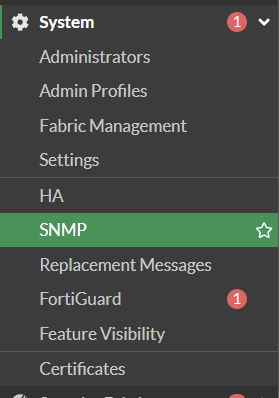
1. Go to
System
->
SNMP
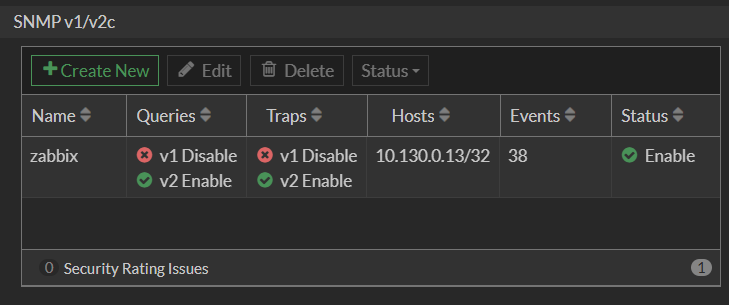
2. Go to
SNMP v1/v2c
and click
Create New
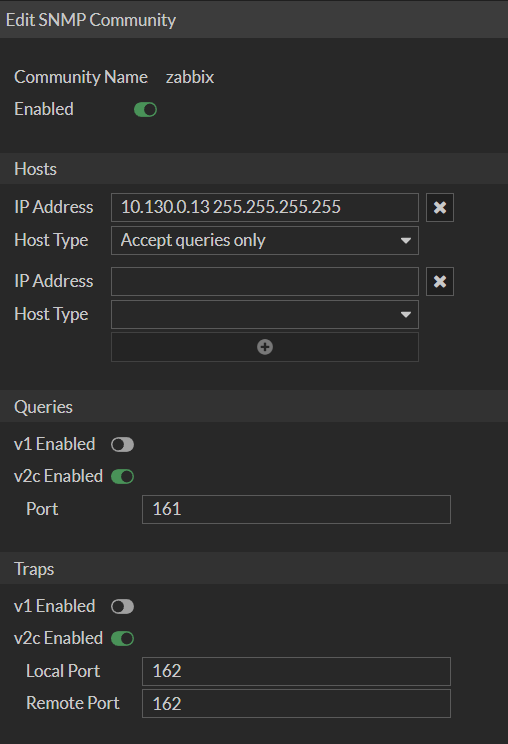
3. Set a Name, enter your Allowed Hosts and Ports
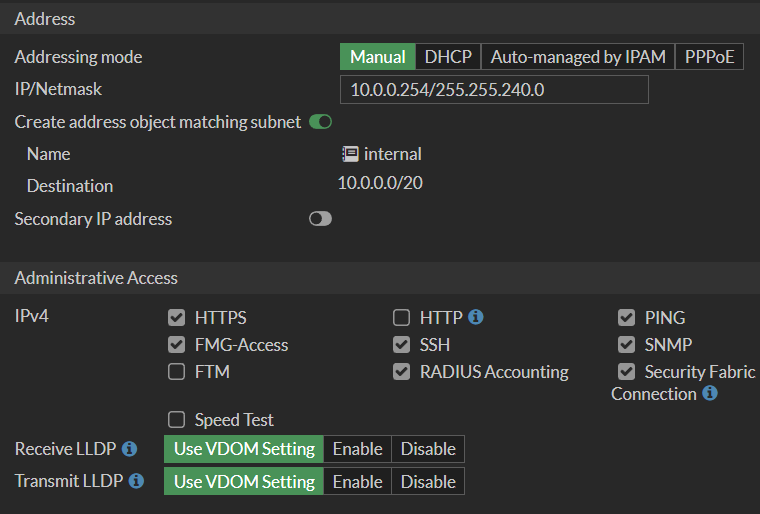
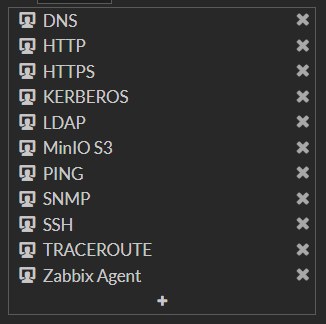
4. Allow SNMP on the respective Interface of the Firewall
Revision #1
Created 26 July 2025 23:43:40 by Oliver Karger
Updated 26 July 2025 23:46:29 by Oliver Karger