P-Series
Codec optimization
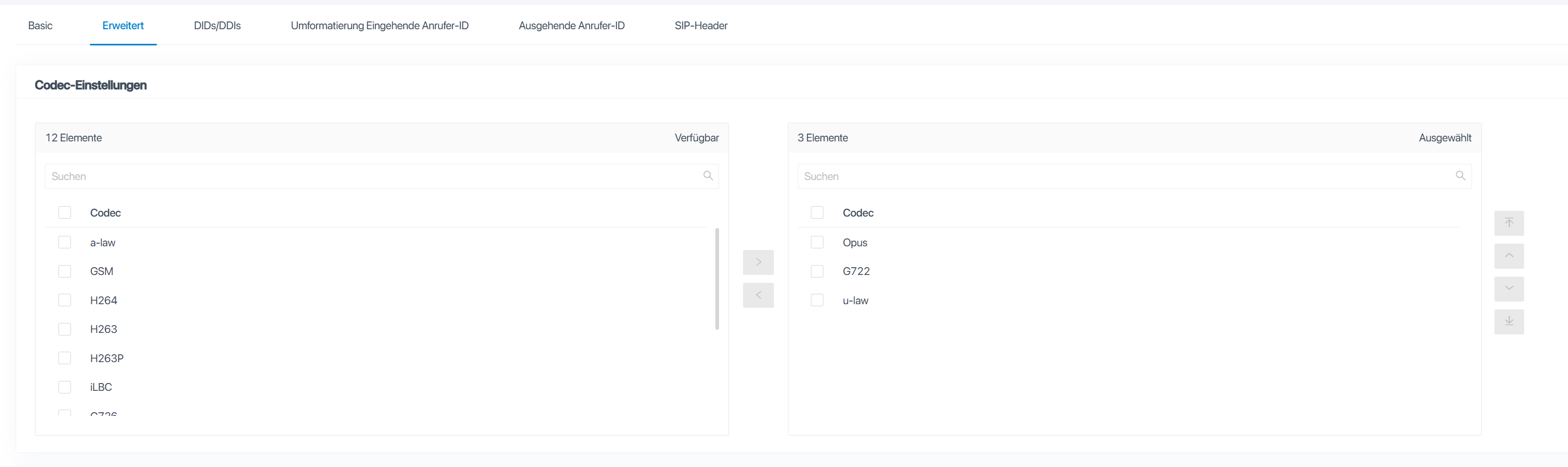
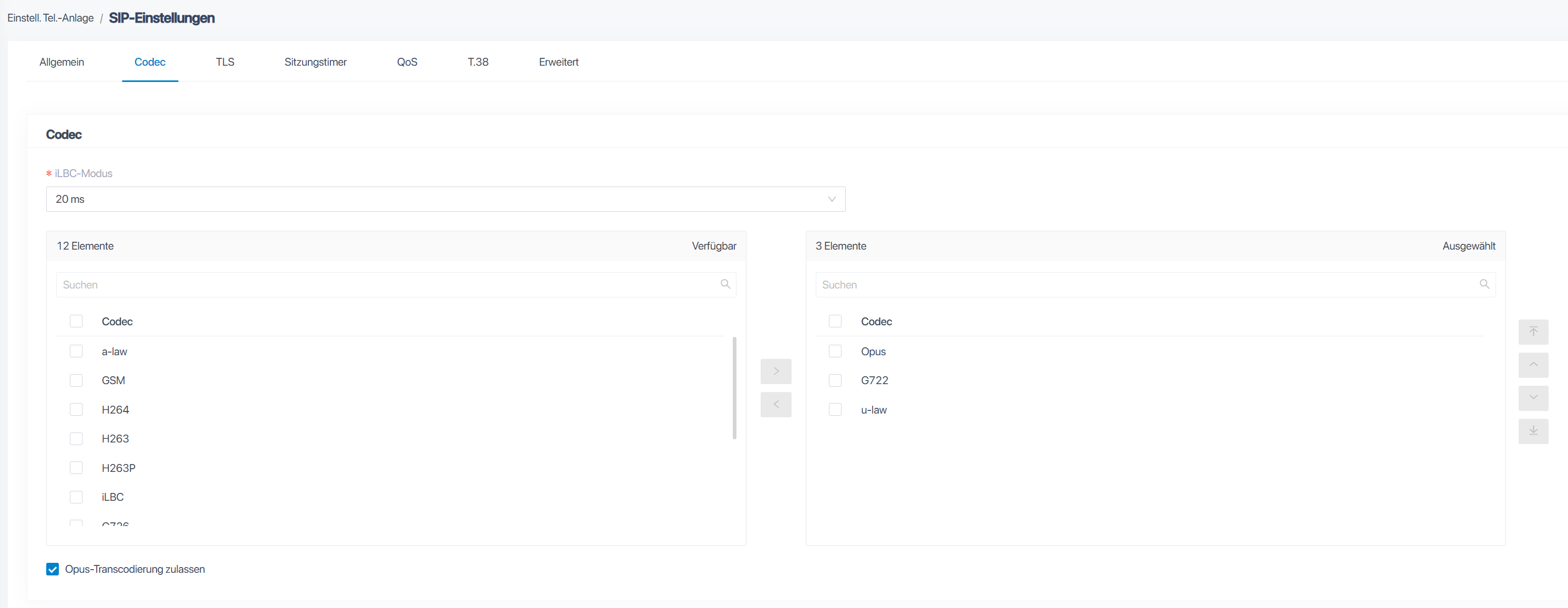
To Improve Audio Quality, specific Codecs should be selected:
Tested on P560
Code Priority
- Opus
- G722
- µ-Law
Set Codec for Trunk
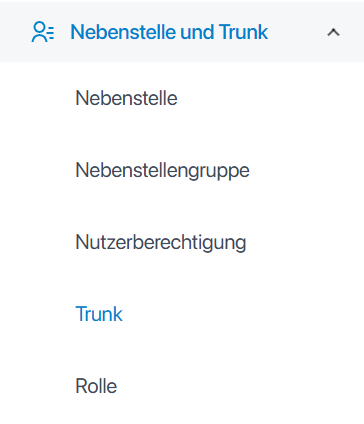
1. Go to Trunk Settings
2. Go to Tab Advanced and change Codecs
Set Codec in SIP Settings
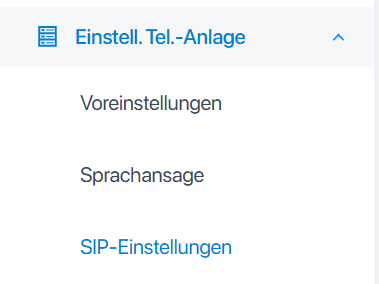
1. Go to SIP Settings
2. Go to Tab Codec
Remote Registration
All Registration Attempts that are not initiated by the PBX itself, count as Remote Registration
- Log into PBX WebUI
- Go to Extensions and Trunk - Extensions
- Edit your desired Extension
- Go to Extension Information. There you'll find Registration Name and Registration Password. You'll need both including your Extension/Called ID itself.
- Still in the Extension Settings, go to Security
- At SIP Security enable Allow Remote Registration
After that, you need to Configure your Phone Device. Use default Port 5060 for SIP and your PBX's IP.
For Username and Password, use Registration Name (Username) and Registration Password (Password)
Device Registration
Device Registration
Linkvil W-Series
- Go to Line - SIP
| Setting | Value |
| Username | Extension |
| Display Name | Display Name of the Extension |
| Authentication User | Registration Name |
| Authentication Password | Registration Password |
| Server Name | Display Name of the Extension |