Tested on P560
### Code Priority 1. Opus 2. G722 3. µ-Law ### Set Codec for Trunk 1\. Go to Trunk Settings [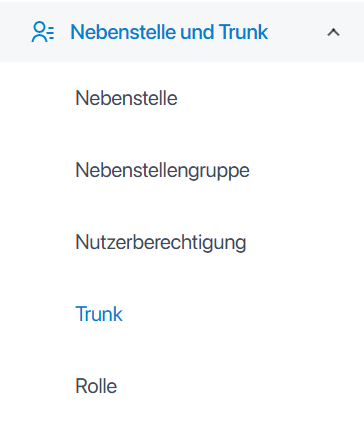](https://kb.oliver-karger.de/uploads/images/gallery/2025-07/71Nimage.png) 2\. Go to Tab *Advanced* and change Codecs [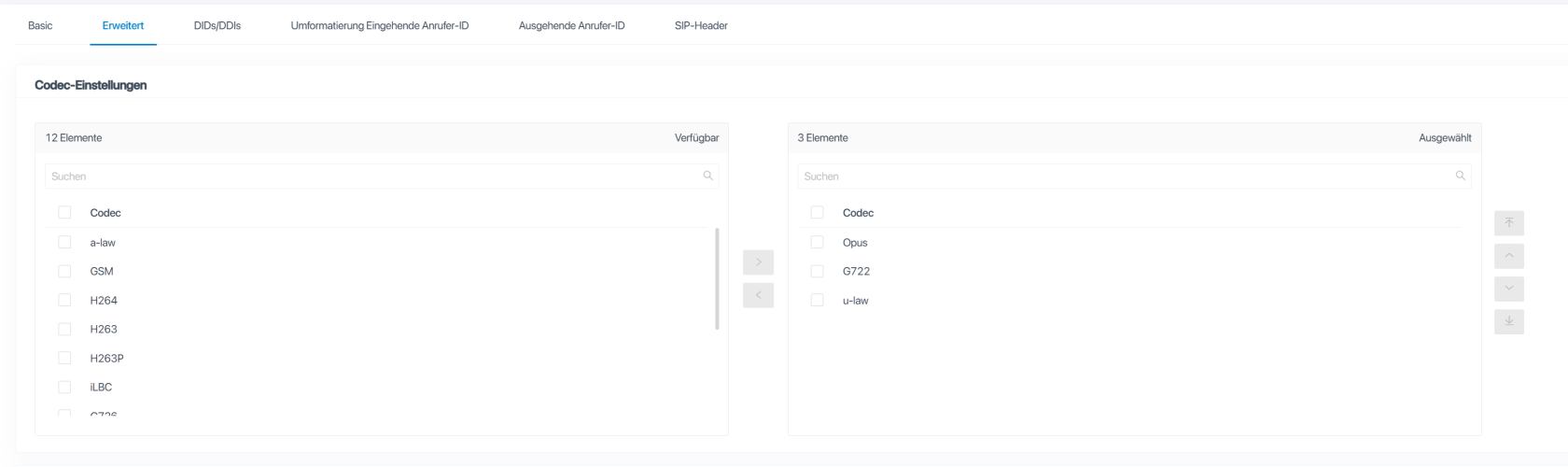](https://kb.oliver-karger.de/uploads/images/gallery/2025-07/teNimage.png) ### Set Codec in SIP Settings 1\. Go to SIP Settings [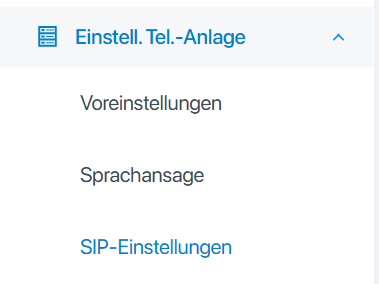](https://kb.oliver-karger.de/uploads/images/gallery/2025-07/WWzimage.png) 2\. Go to Tab *Codec* [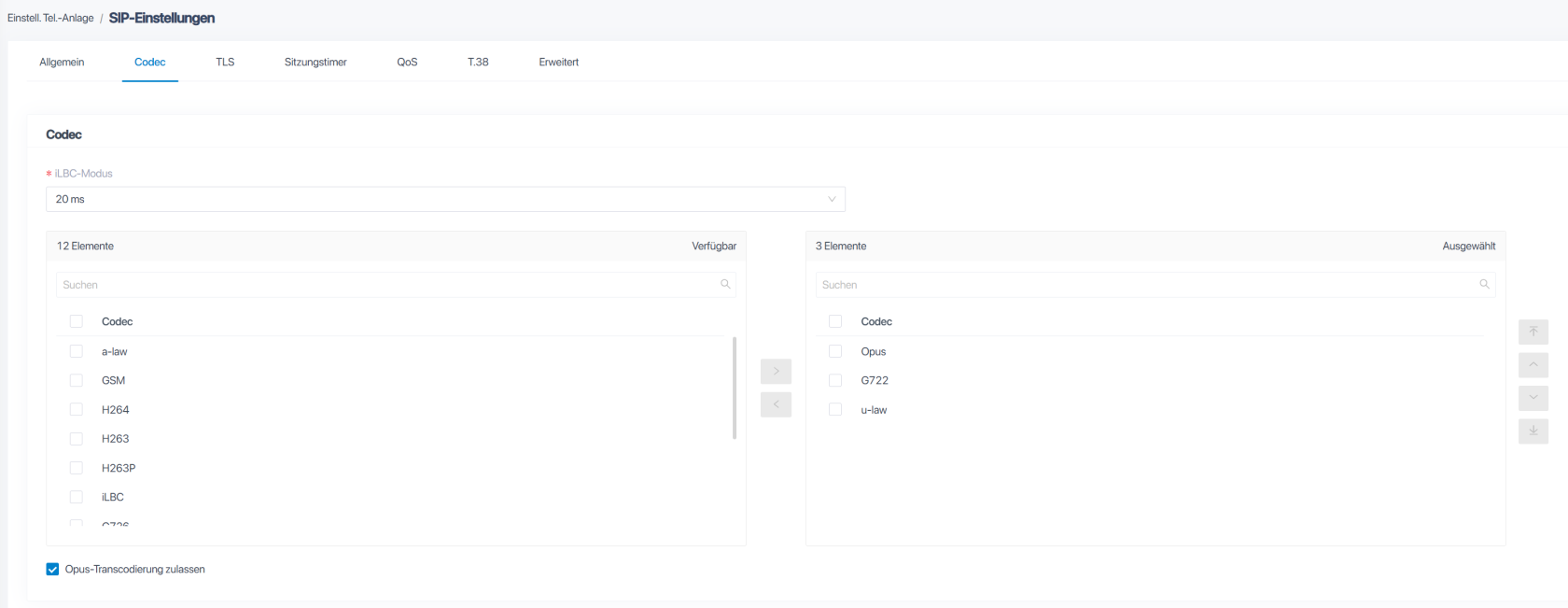](https://kb.oliver-karger.de/uploads/images/gallery/2025-07/gP7image.png) # Remote RegistrationAll Registration Attempts that are not initiated by the PBX itself, count as *Remote Registration*
1. Log into PBX WebUI 2. Go to *Extensions and Trunk* - *Extensions* 3. Edit your desired Extension 4. Go to Extension Information. There you'll find *Registration Name* and *Registration Password*. You'll need both including your Extension/Called ID itself. 5. Still in the Extension Settings, go to *Security* 6. At *SIP Security* enable *Allow Remote Registration* After that, you need to Configure your Phone Device. Use default Port 5060 for SIP and your PBX's IP. For Username and Password, use *Registration Name* (Username) and *Registration Password* (Password) # Device Registration # Linkvil W-Series 1. Go to *Line* - *SIP*| Setting | Value |
| Username | Extension |
| Display Name | Display Name of the Extension |
| Authentication User | Registration Name |
| Authentication Password | Registration Password |
| Server Name | Display Name of the Extension |