Two-Way Glass Shader
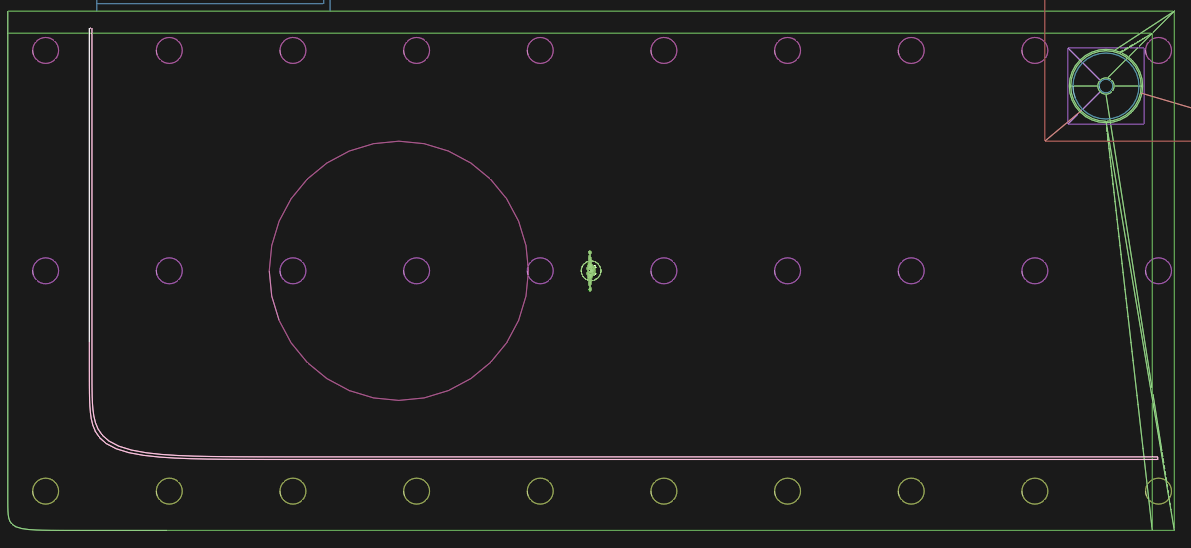
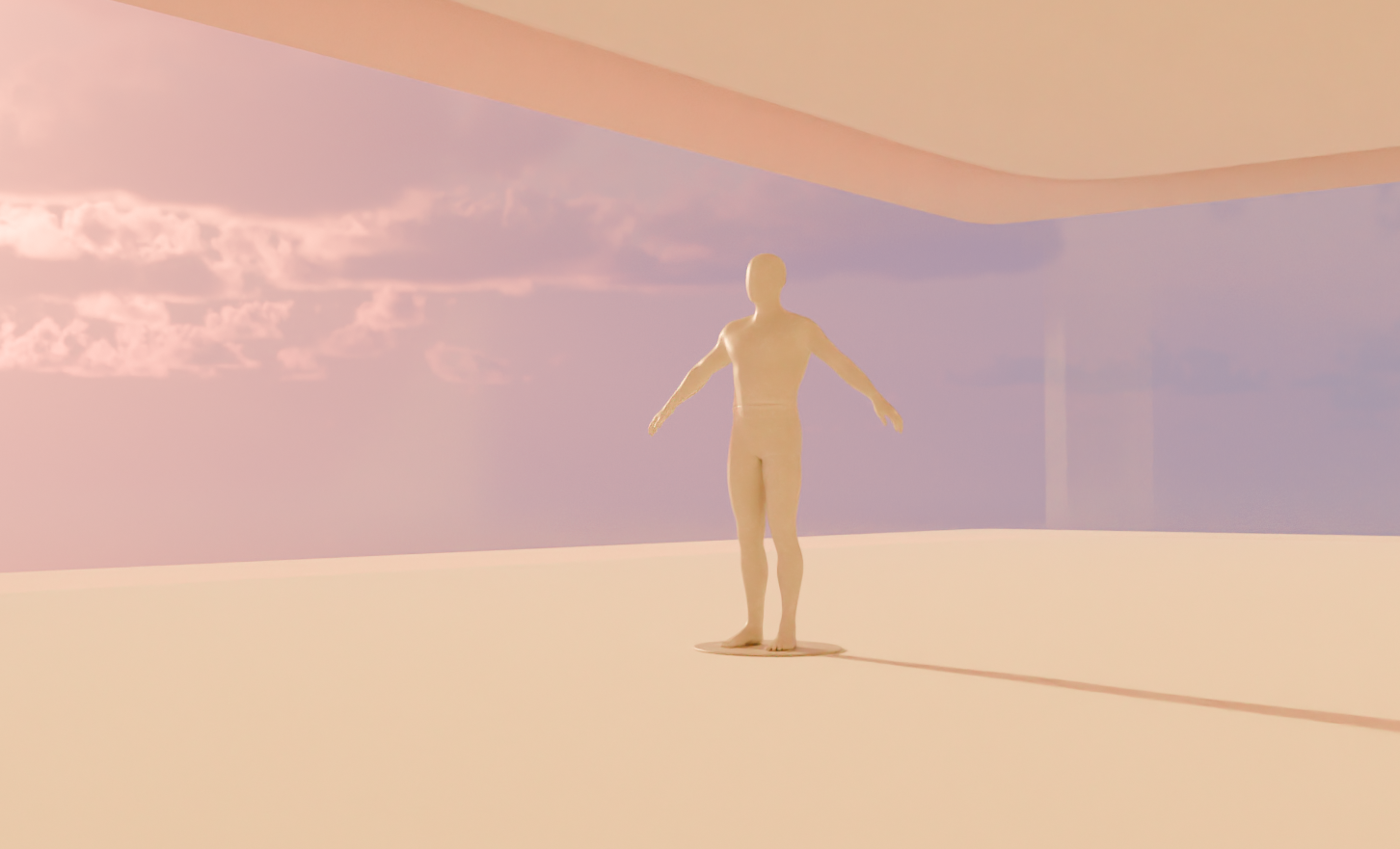
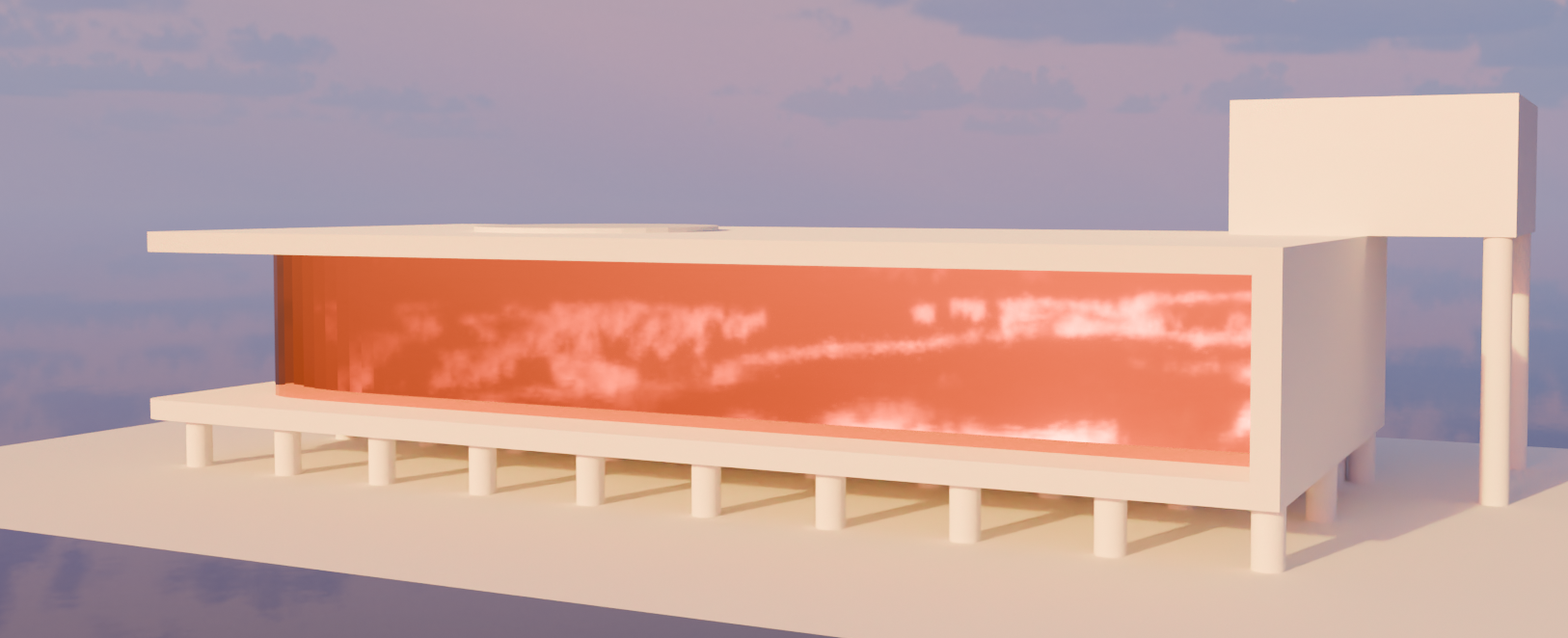
This only works with 3D Geometry! (No Planes/Circles etc.)
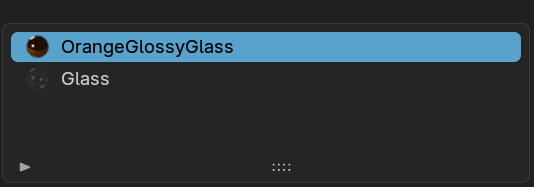
- Seperate Inner and outer Geometry into seperate Material Slots

- Create Shaders as below. For the Outside Shader, the "Backfacing Geometry" Output needs to be used to manipulate the Alpha of the other Side of the Faces. That way, we get the "2-Way-Mirror" Effect
Outer Shader

Inner Shader
This can be any generic Glass Shader with Alpha Information
