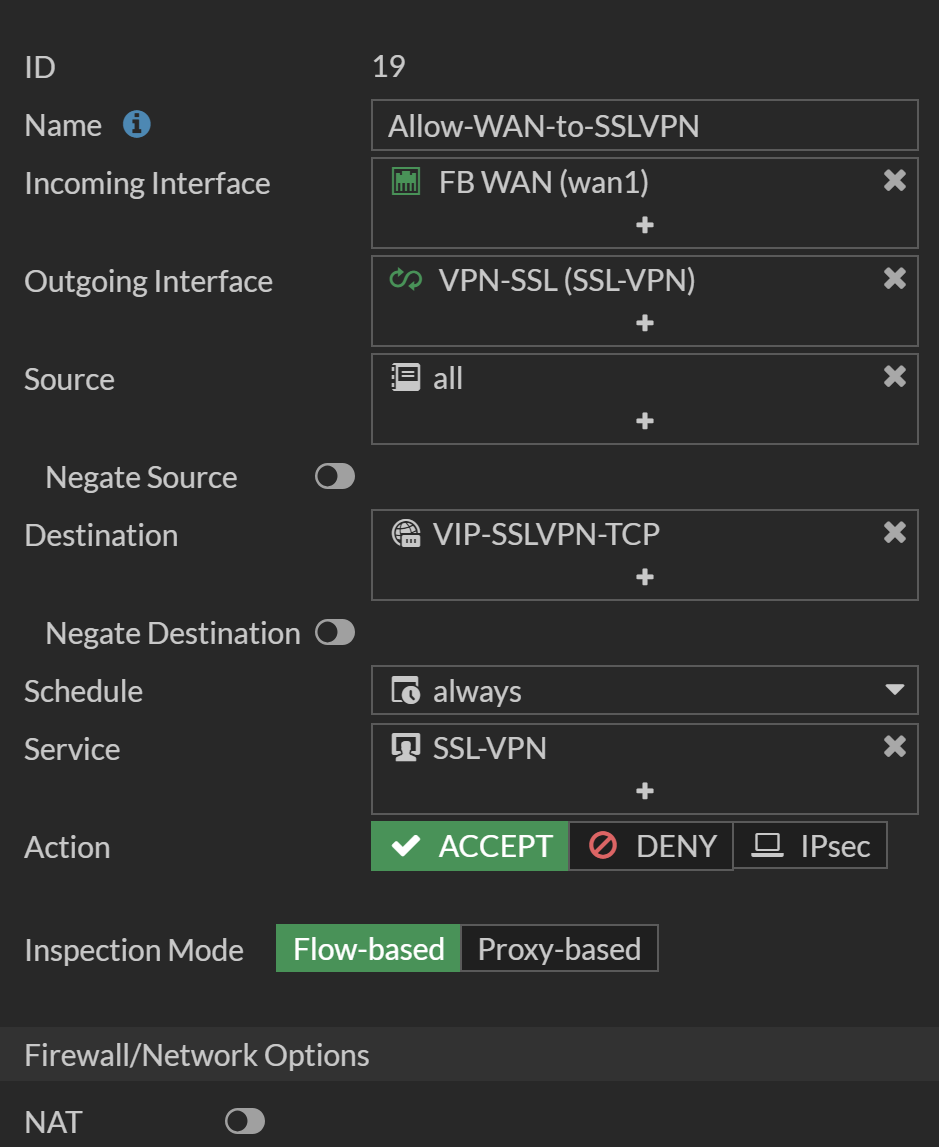
SSL-VPN on custom Interface
This explains how to setup the SSL-VPN on a FortiGate (E-Series) on a Custom Interface for better Controls.
This is done because per default, SSL-VPN Listens on the WAN Interface directly, therefor can not be controlled by any Policy.
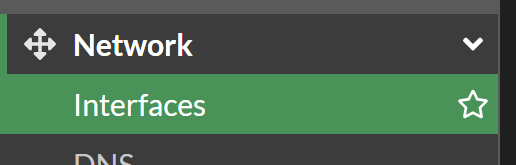
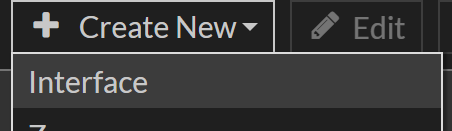
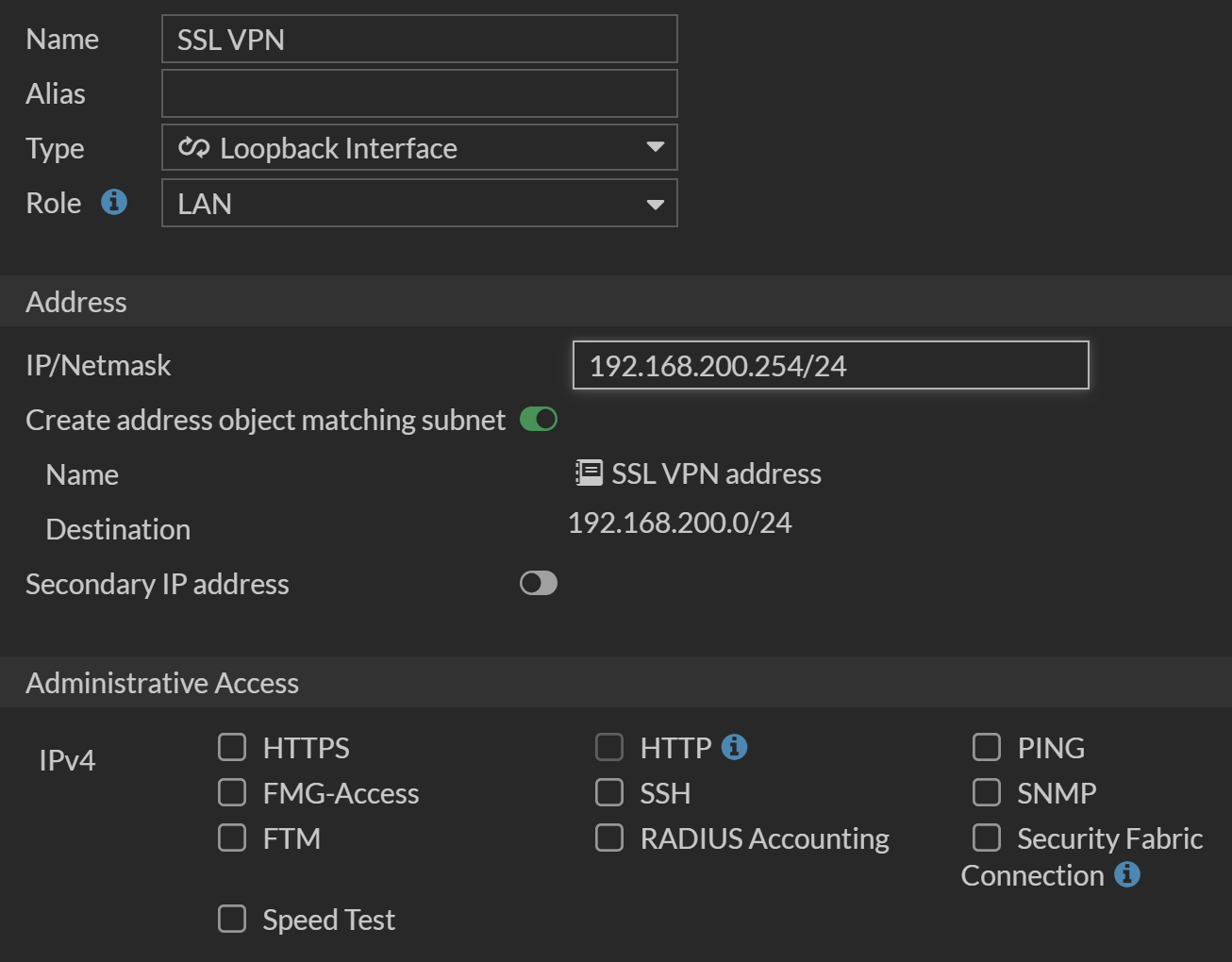
Create Loopback Interface
Bind SSL-VPN to new Loopback Interface
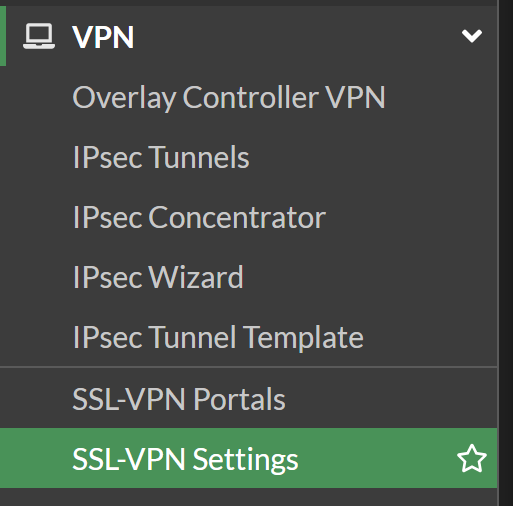
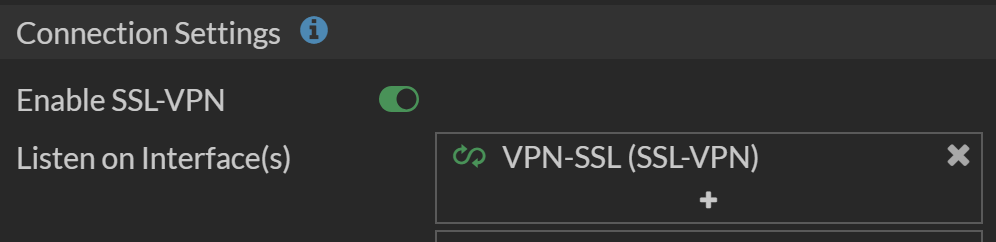
Redirect SSL-VPN Traffic
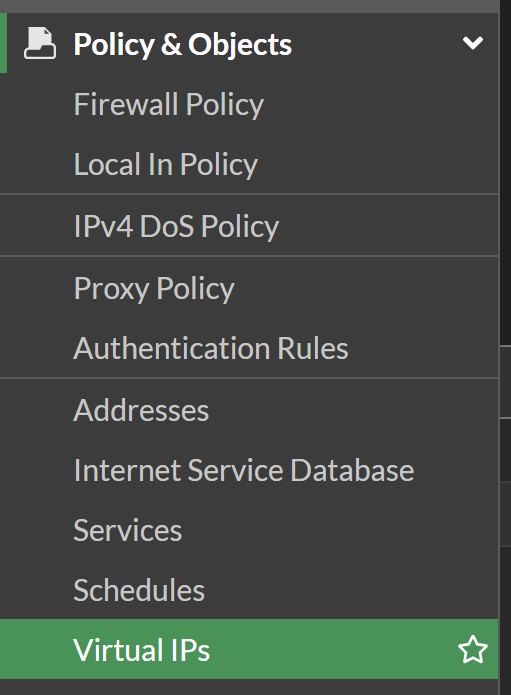
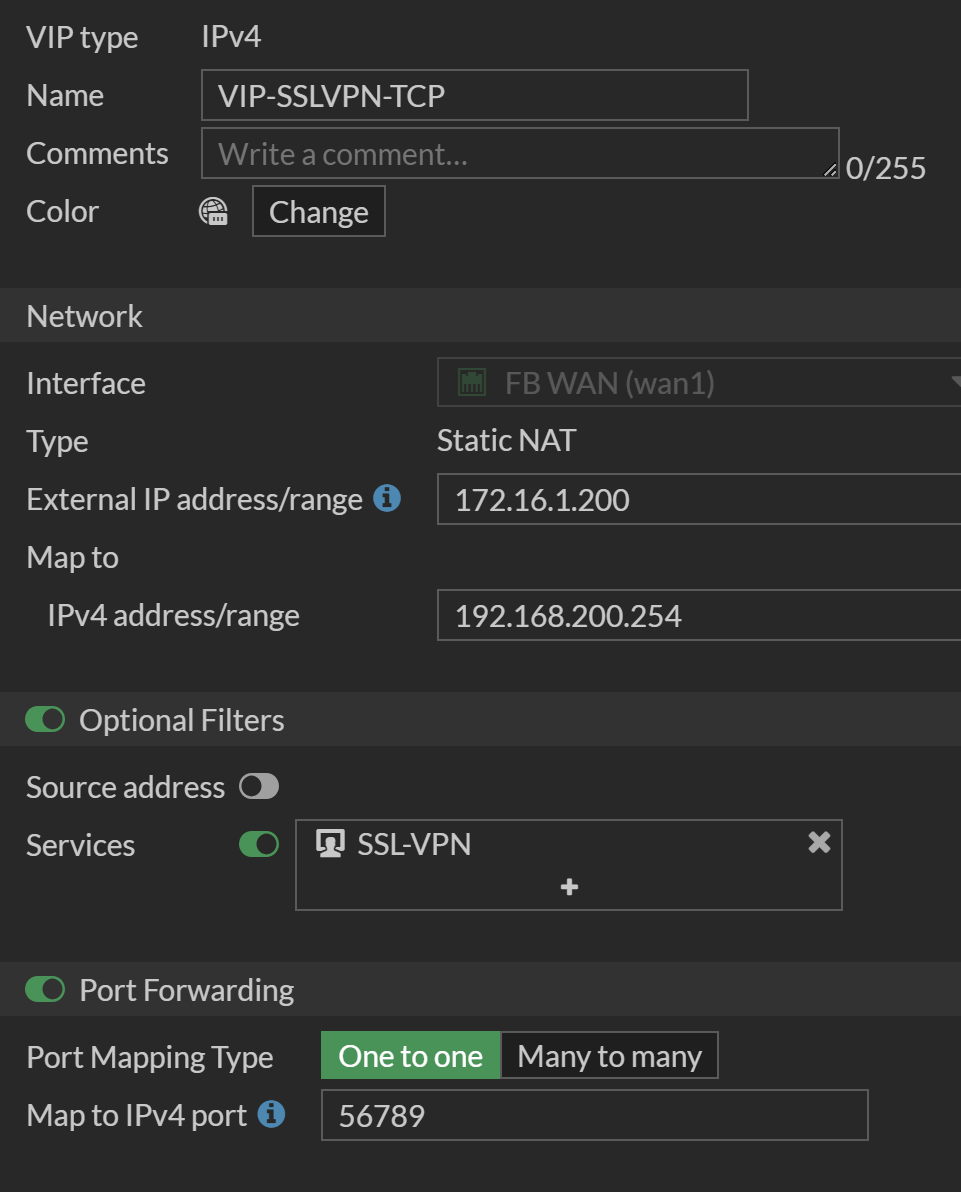
We now need to make sure the SSL-VPN Traffic actually reaches the new SSL-VPN Interface. We will use a Virtual IP with Port Forwarding for that.

Allow Traffic to new Interface