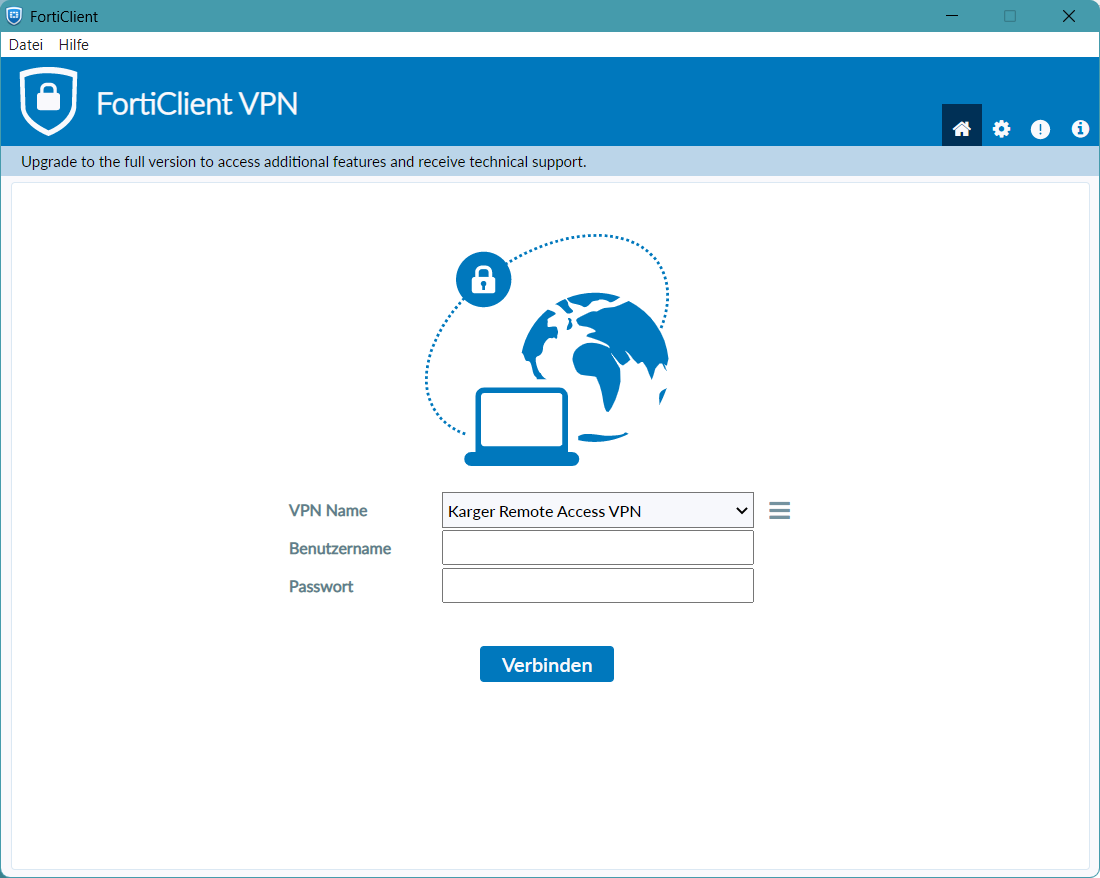
VPN Client Installation
Requirements
- VPN Configuration File
- Username
- Password
Install FortiClient
Download latest FortiClient Release from https://www.fortinet.com/de/support/product-downloads
Only Download the "VPN-only Version" !

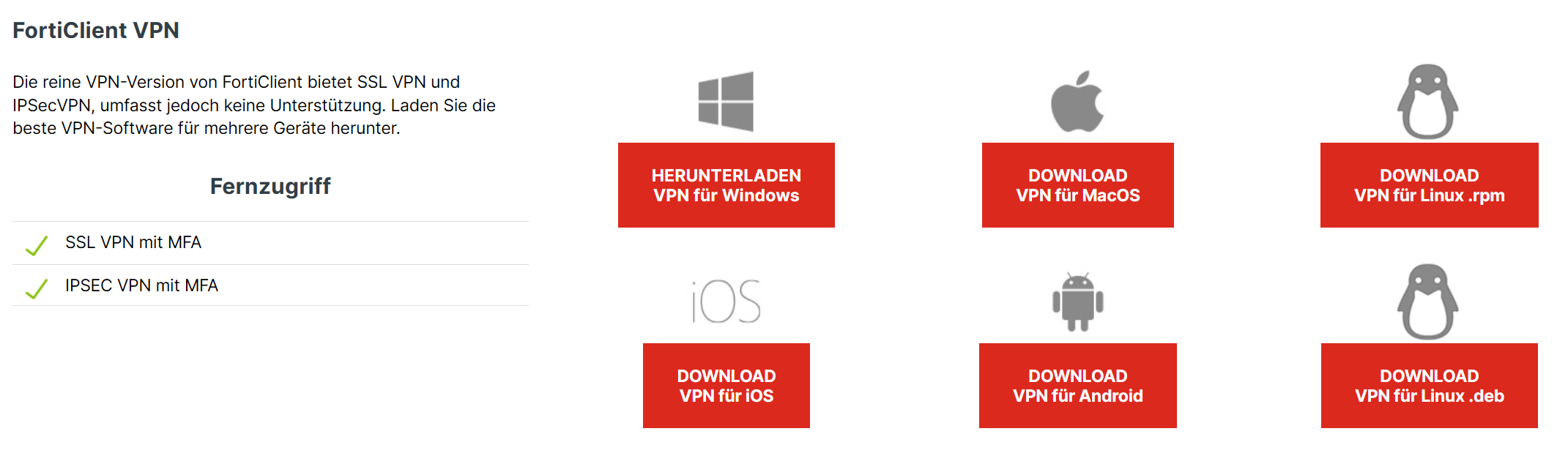
Run and complete the Setup after downloading
Importing VPN Configuration
1.
- Launch “FortiClient” after installing
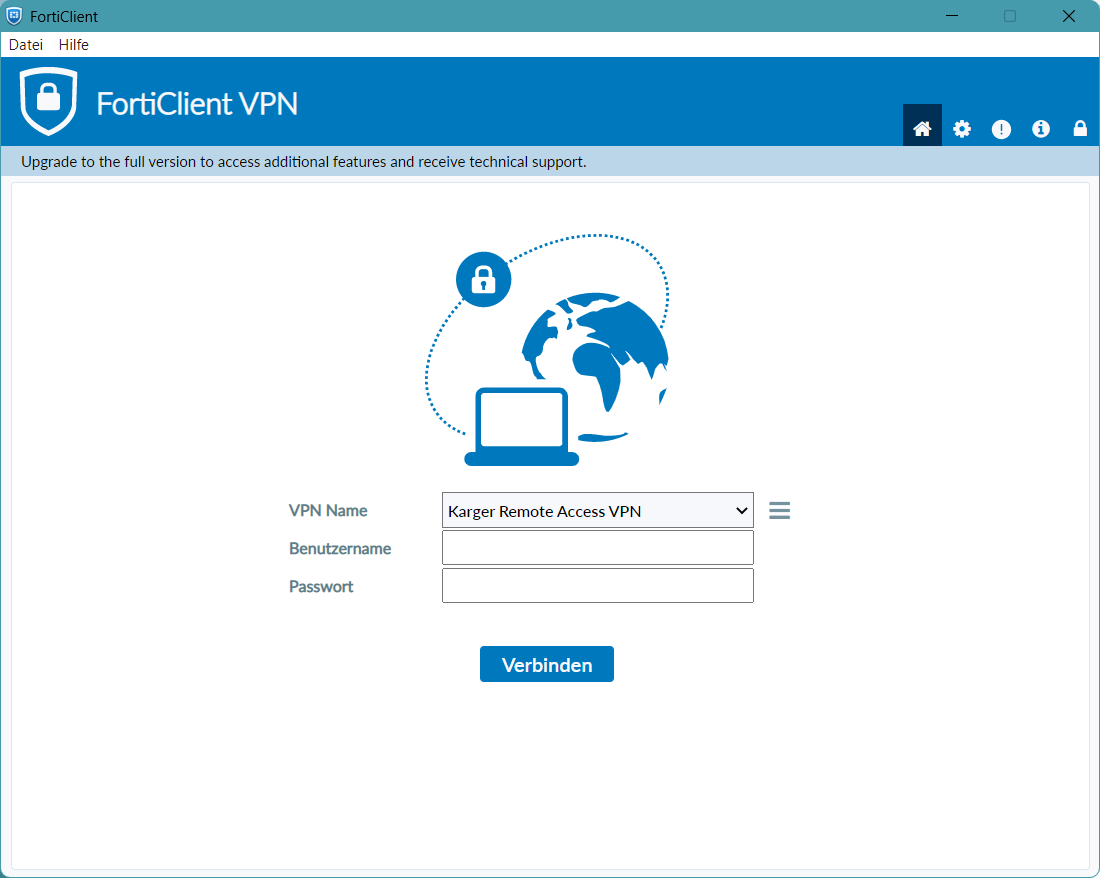

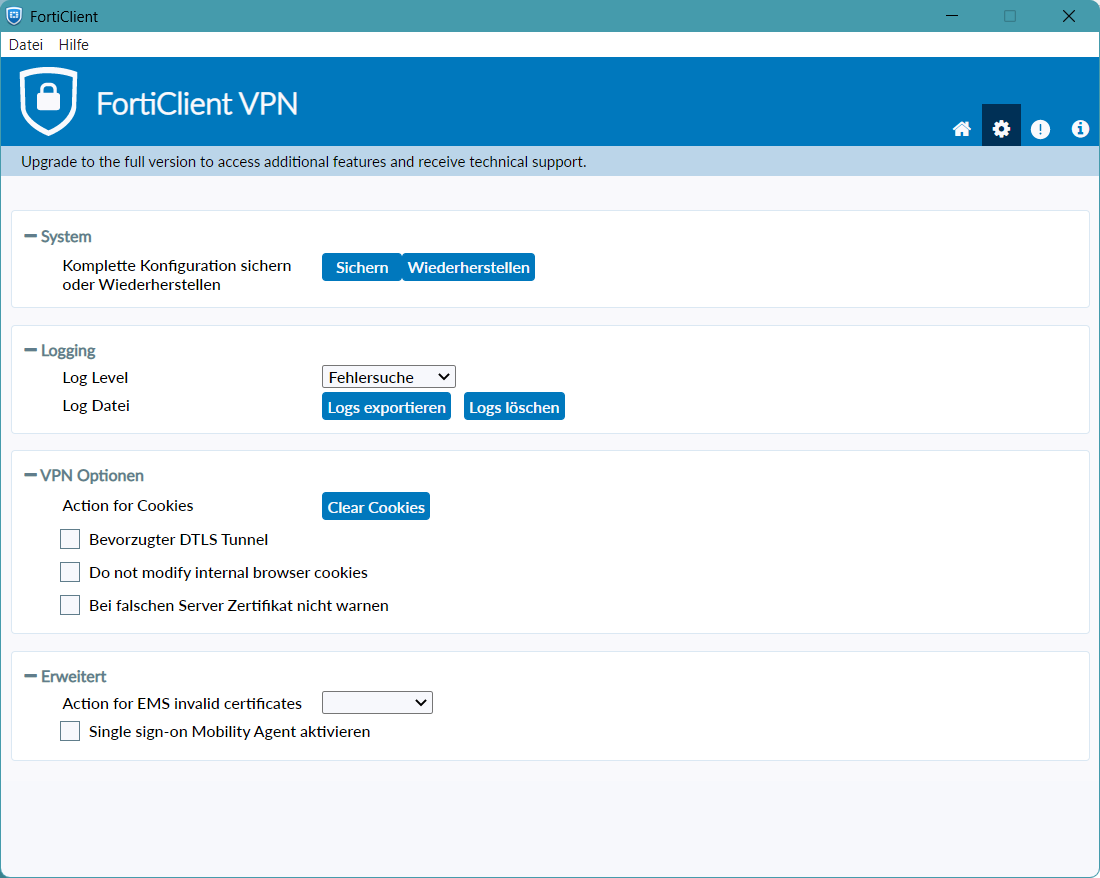
2. Click on the “Cog” Icon in the top left corner

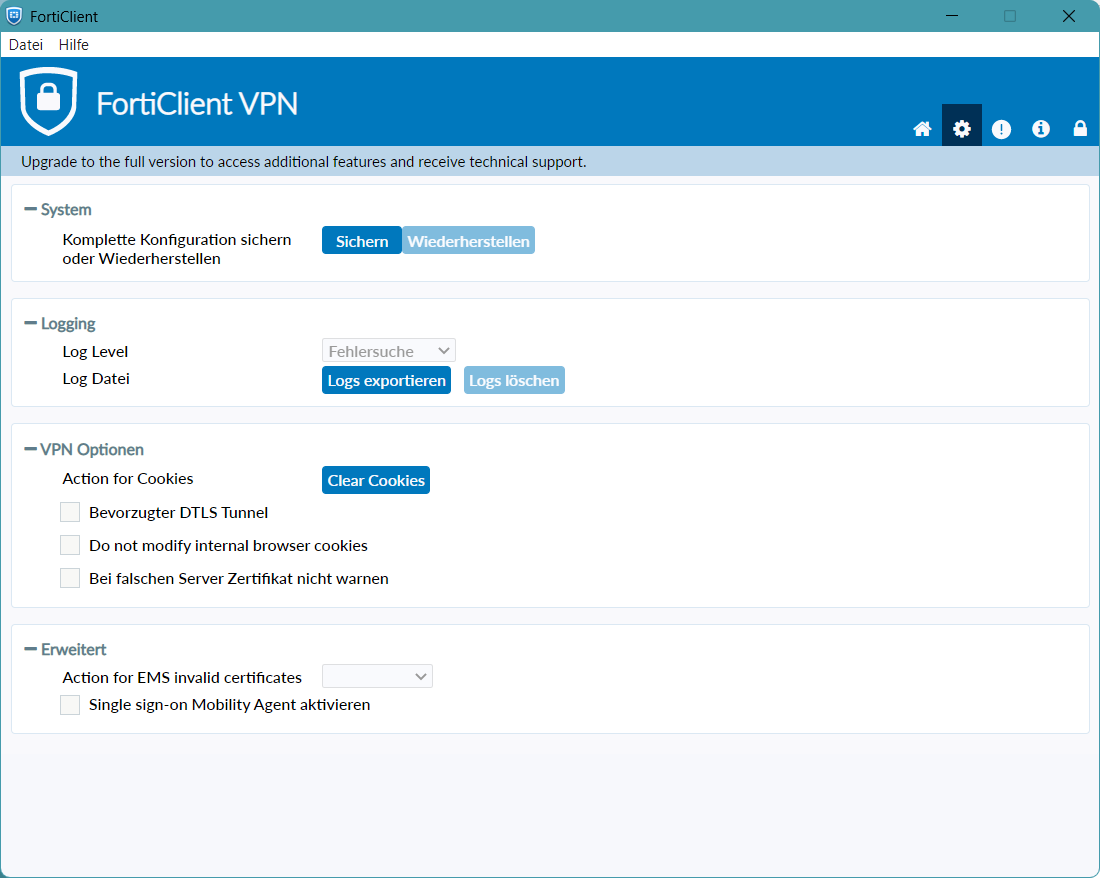
3. Click on the “Lock” icon in the top left corner to unlock the System Configuration Import ("Wiederherstellen" Button the the Screenshot)
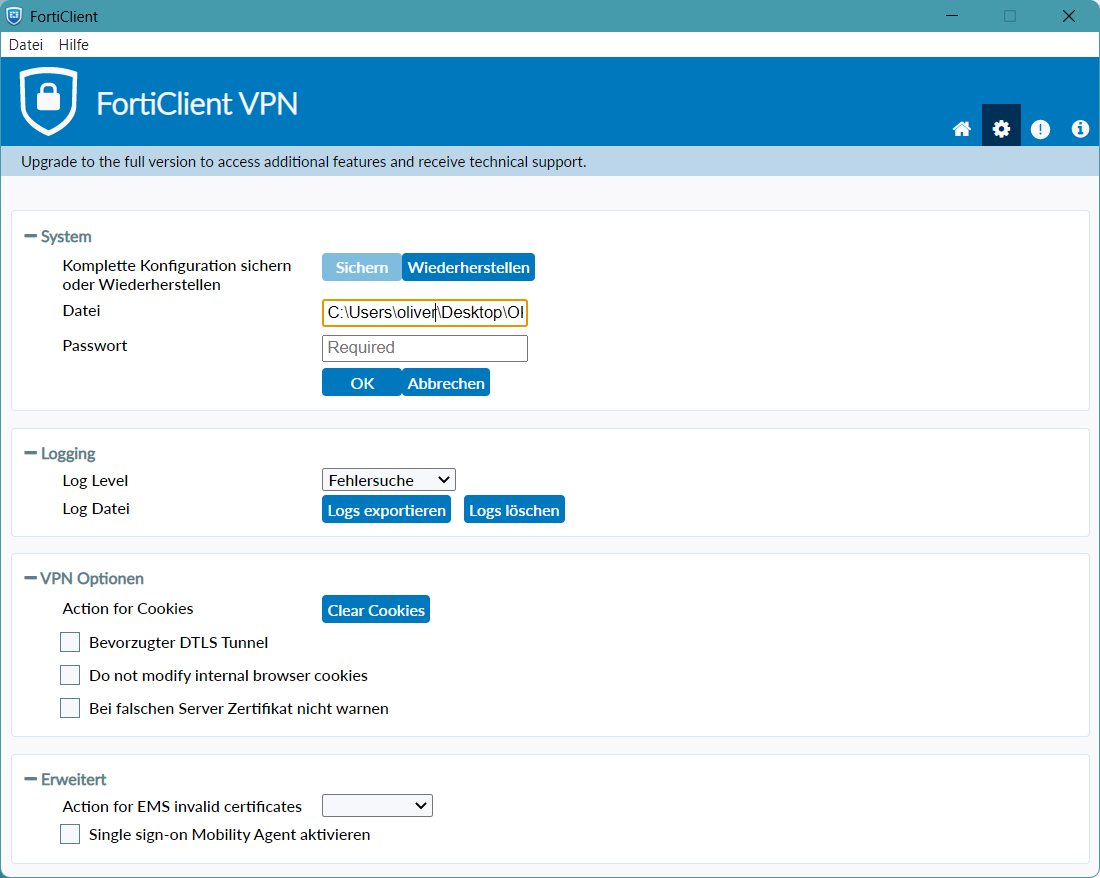
4. Click “Wiederherstellen and select your Configuration File”

5. (Optional) If your Configuration File is encrypted, enter your Password provided to you by your Administrator

Click on the “Home” Icon in the top left, enter your Username and Password to connect