Skip to main content
Knowledgebase
View All
Search
Shelves
Books
Log in
Info
Content
Enable SNMP Monitoring
Page Revisions
Revision #38 Changes
Enable SNMP Monitoring
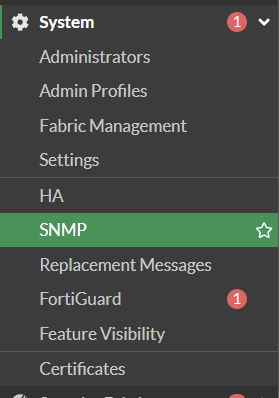
1. Go to
System
->
SNMP
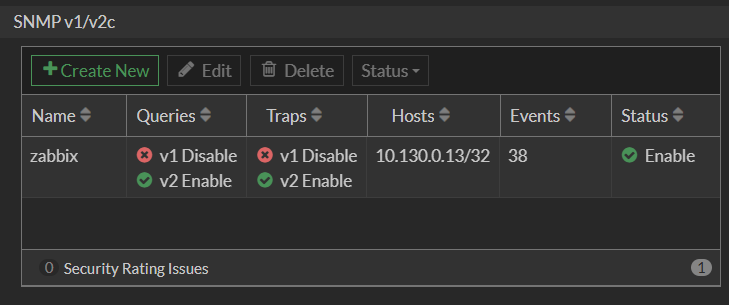
2. Go to
SNMP v1/v2c
and click
Create New
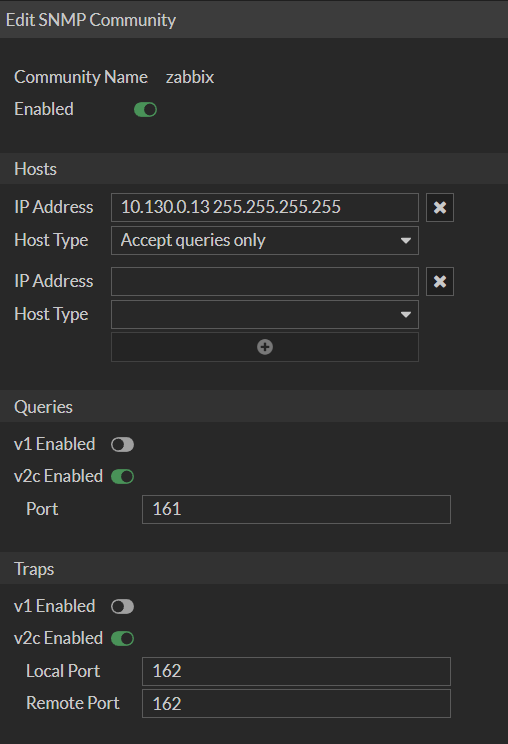
3. Set a Name, enter your Allowed Hosts and Ports
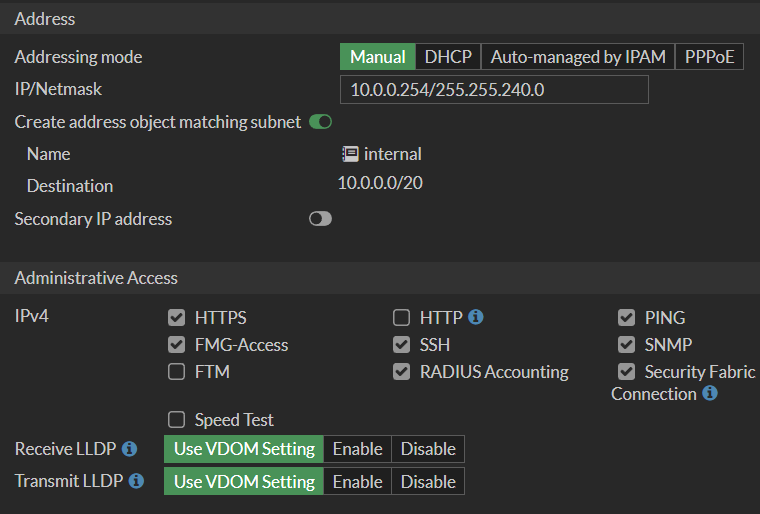
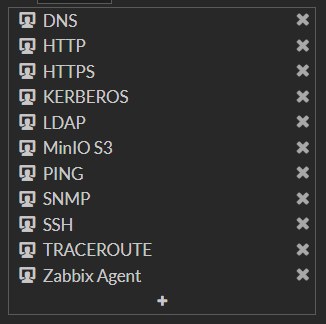
4. Allow SNMP on the respective Interface of the Firewall
Back to top