Skip to main content
LDAP Authentication
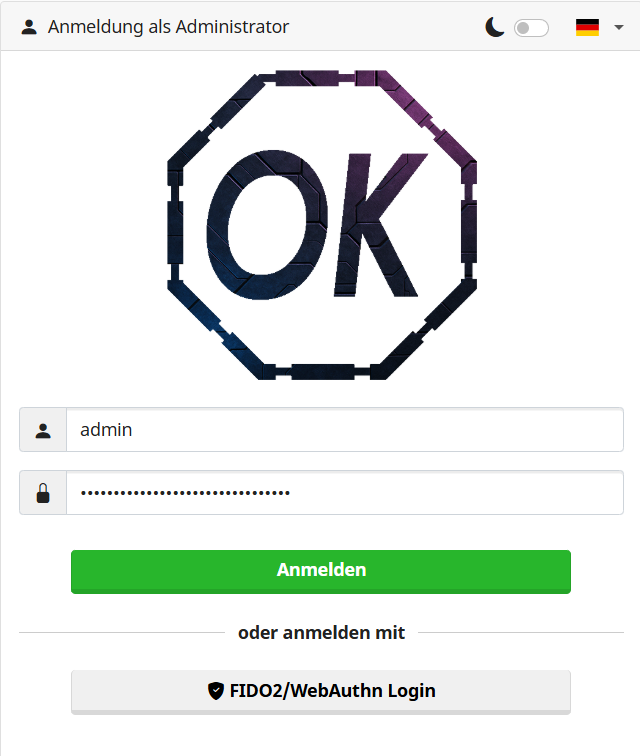
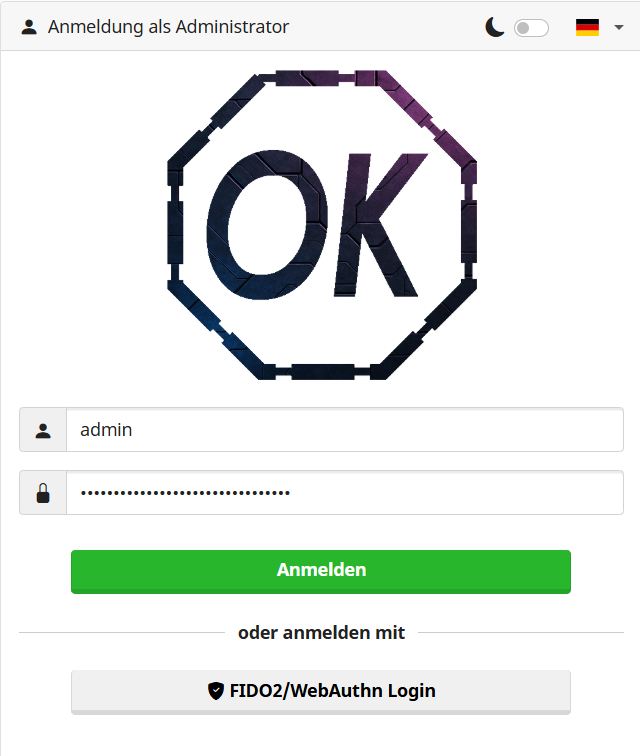
1. Sign in to your Mailserver
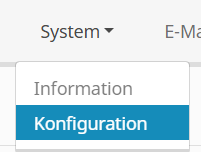
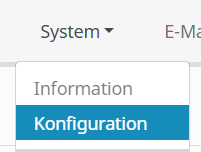
2. Go to System - Configuration
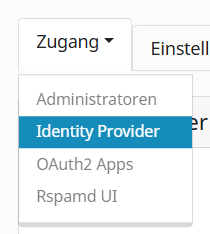
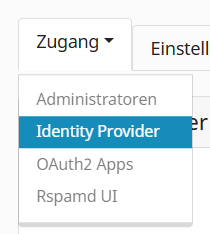
3. Access - Identity Provider
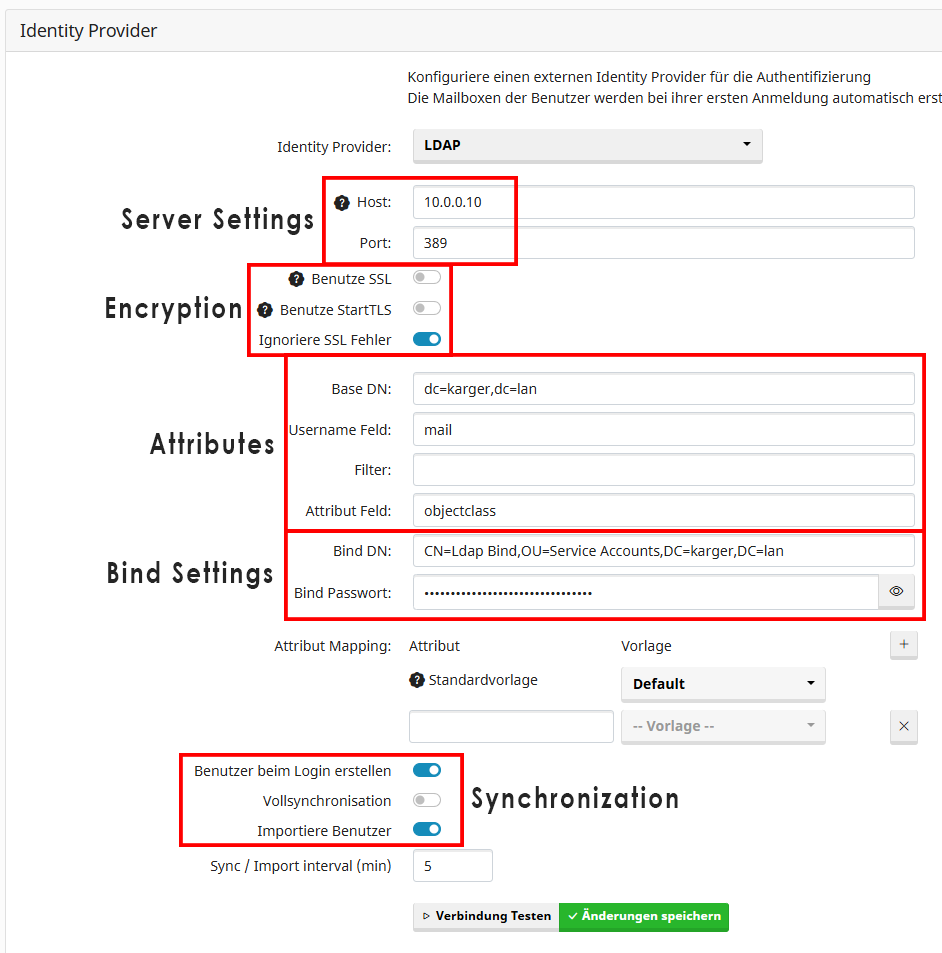
4. Setup LDAP Configuration
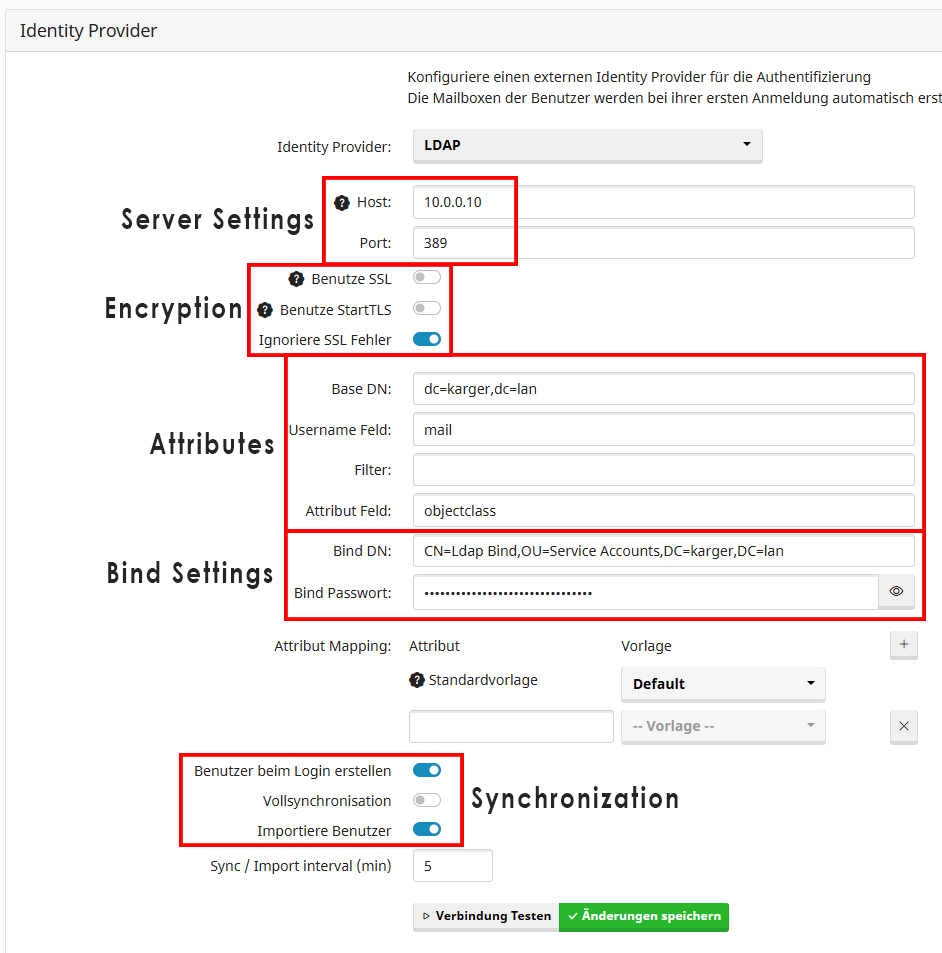
- Server Settings
- Input either Hostname or IP (Recommended: IP in case DNS f's up)
- Port
389 for LDAP, 636 for LDAPS
- Encryption
- For LDAPS, use StartTLS not SSL
- For LDAP, disable SSL/StartTLS and Enable Ignore SSL Errors
- Attributes
- Base DN is usually your AD Domain (
dc=example,dc=local)
- Username Field is the LDAP User Attribute that will be mapped to the appropriate Mailbox. If this is empty, nothing will be done.
- Attribute Field would be used for Attribute Mapping. With this a Mailbox Template can be assigned.
- Bind Settings
- Use a User that is not used for interactive Login and has limited Permission (Read is enough)
- Synchronization
- Enable User Creation so, on first login, the user is automatically created
- Enable Import to import and sync existing Users