BSOD in Log Event Viewer
Windows Blue-Screen-of-Death' (BSOD), generally, produce System Log Events of Type Kernel-Power and Level Critical. Based on them, futher Diagnosis like Memory Dumps or Integrity Checks can be performed.
How to Filter System Event Logs
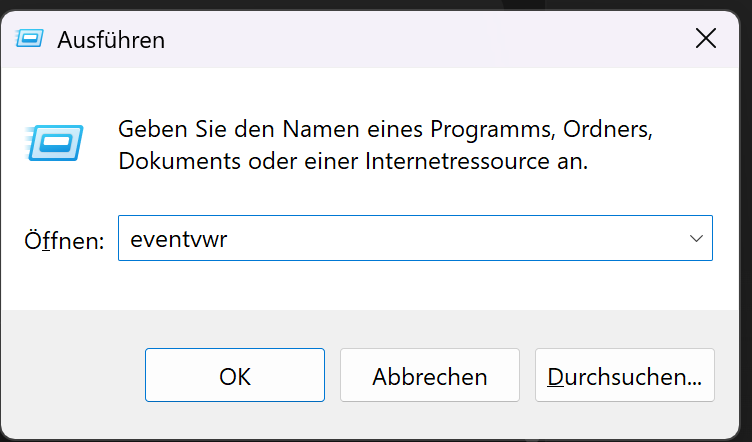
1. Press Windows-Key + R and enter eventvwr
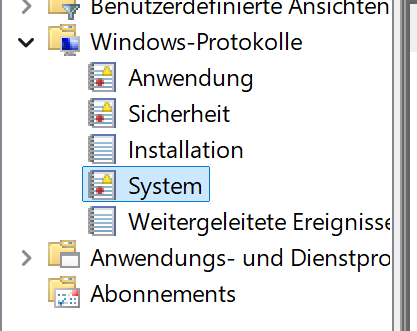
Go to Windows-Protocols and select System
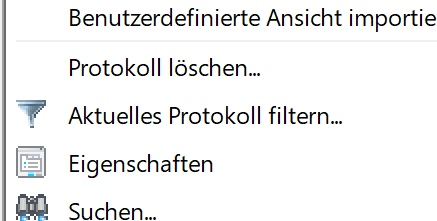
Click on Filter current Protocol
Select Event Level Critical and set a Timeframe
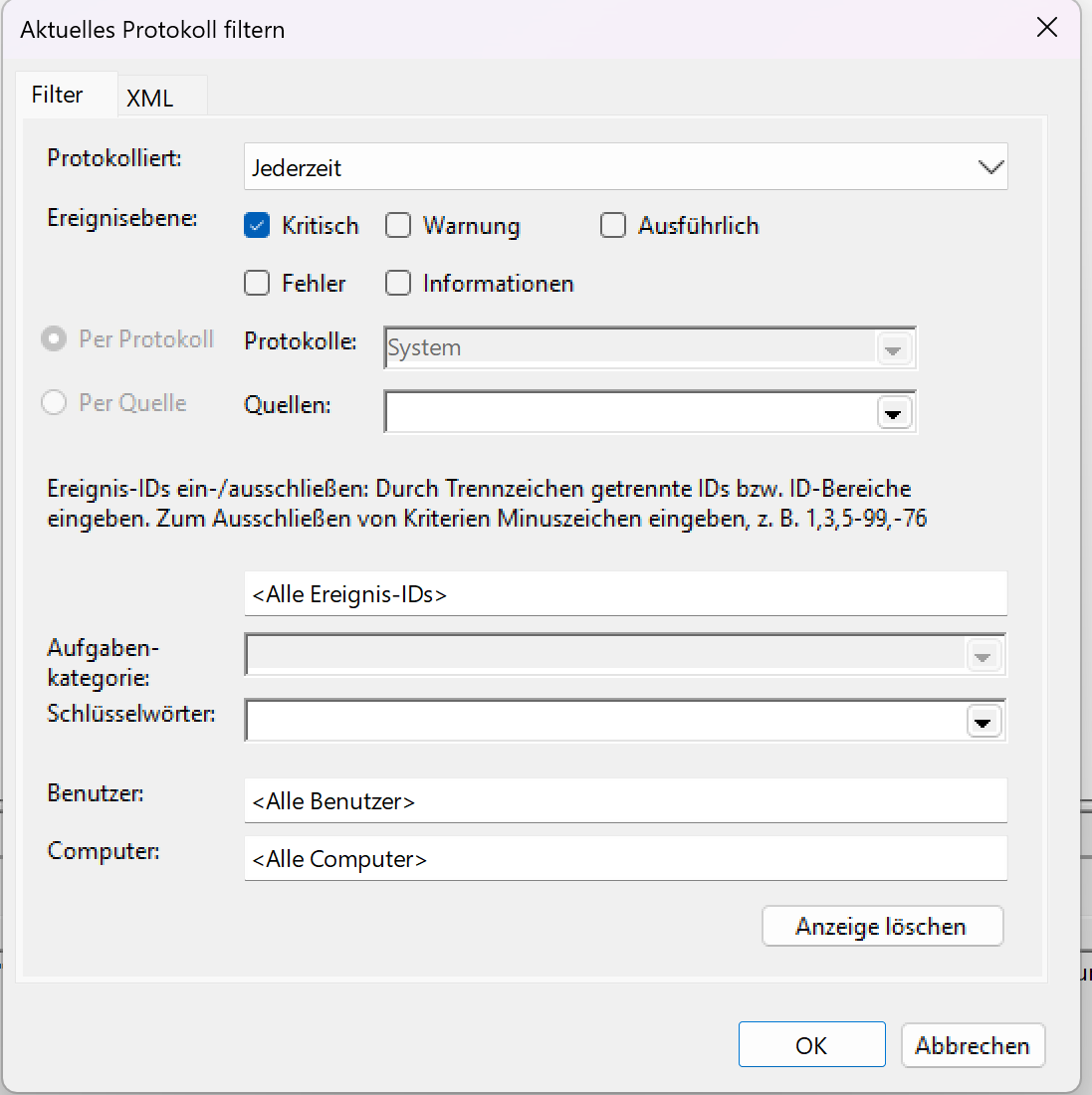
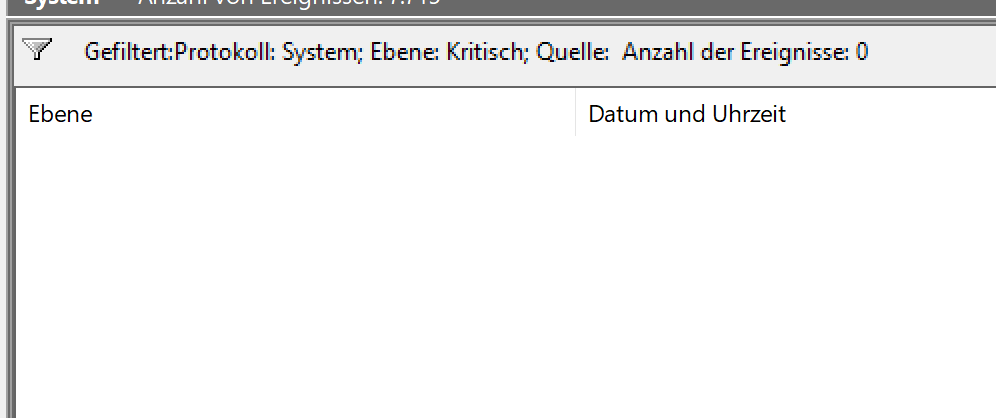
If any BSODs occured, they would be shown here.