Enable and Locate Memory Dumps
Enable Memory Dumps
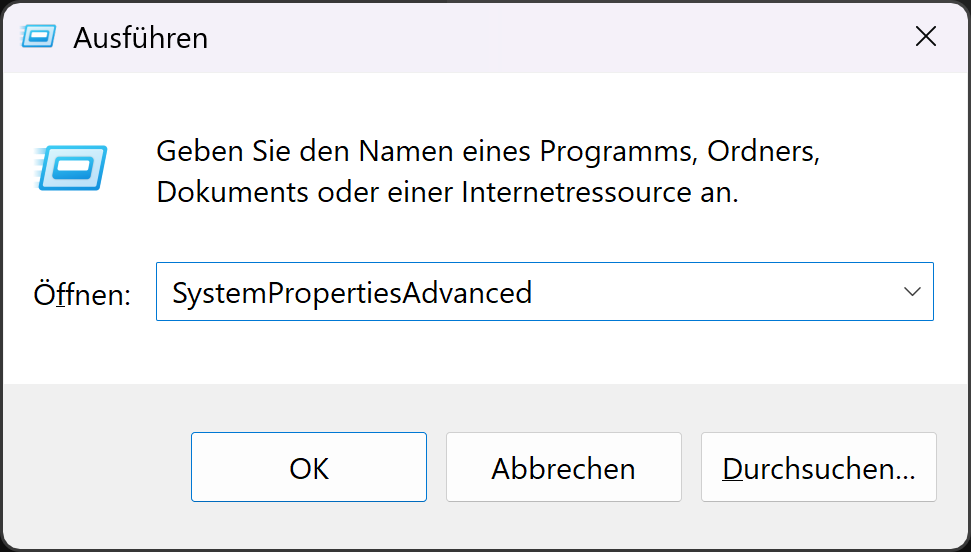
Press Windows-Key + R and enter SystemPropertiesAdvanced
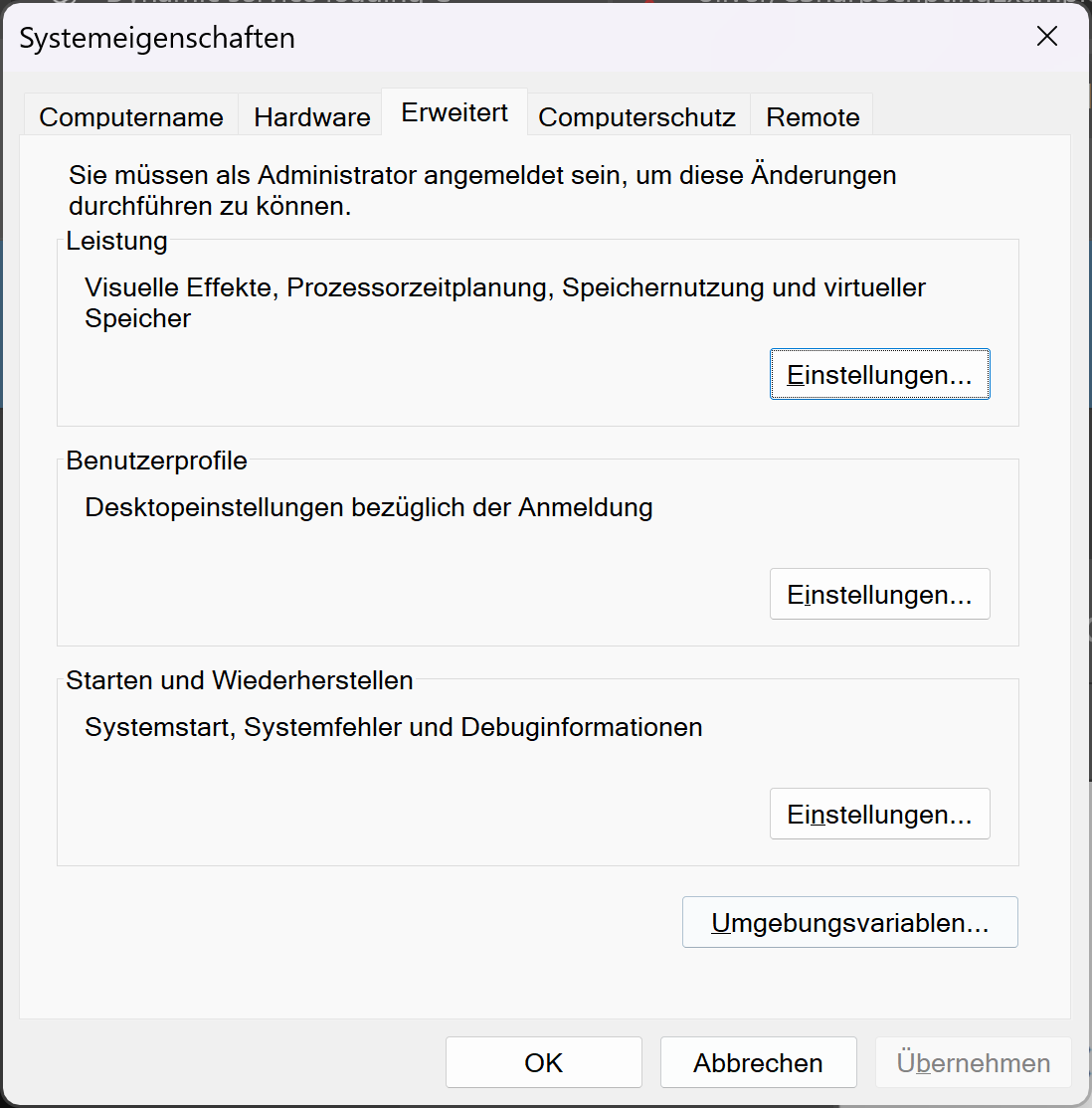
go to Tab Advanced and click on Settings in the Section Startup and Recovery
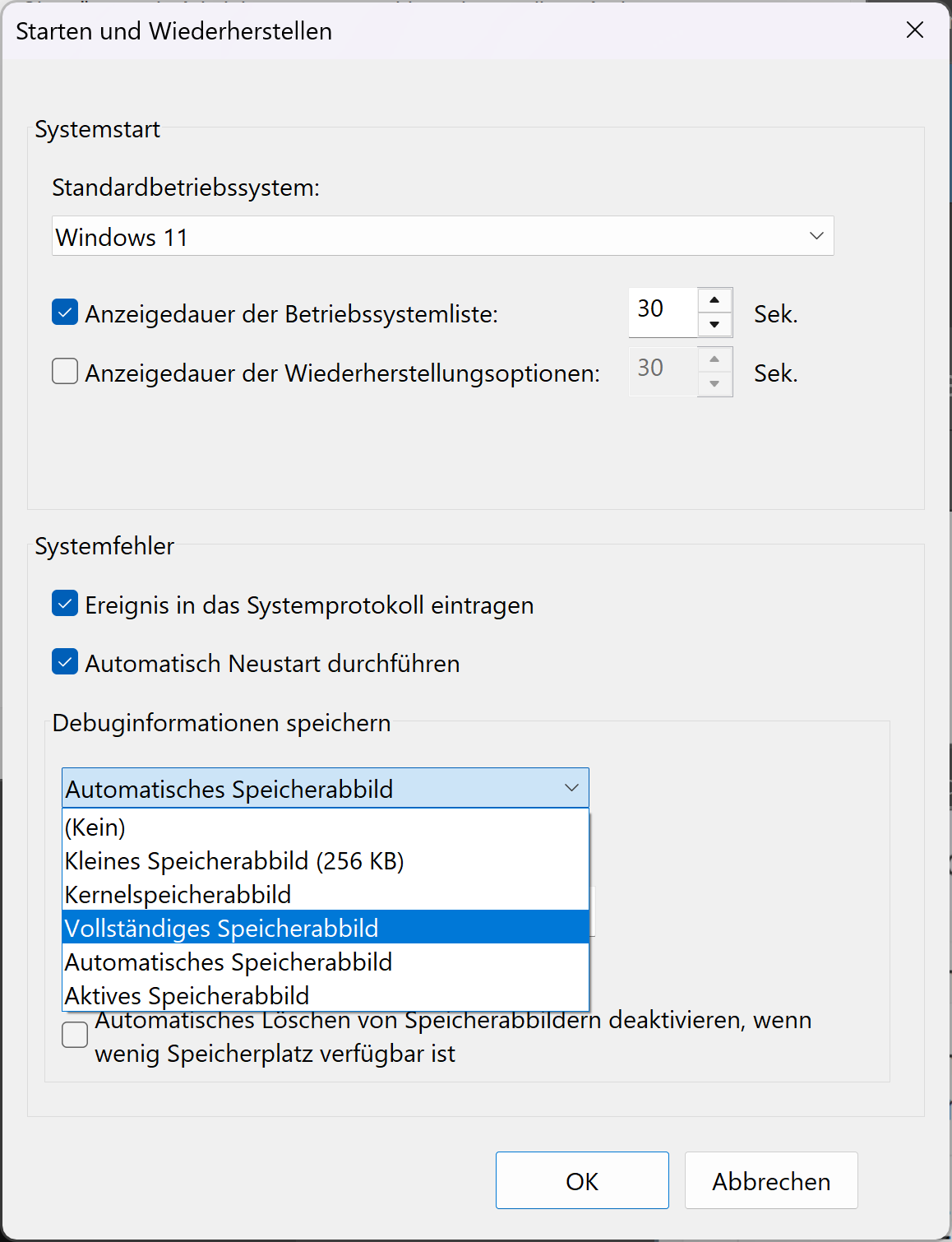
- At the Dropdown in System Errors, select Complete Memory Dump
Locate Memory Dumps
The Path is visible in the last Screenshot as Location on the Windows Disk.
As per Default, it is %SystemRoot%\MEMORY.DMP or C:\Windows\MEMORY.DMP