Profile Reset
This will remove all local Outlook Configuration (including Mailboxes!)
1. Open Control Panel (Windows-Key + R => control)
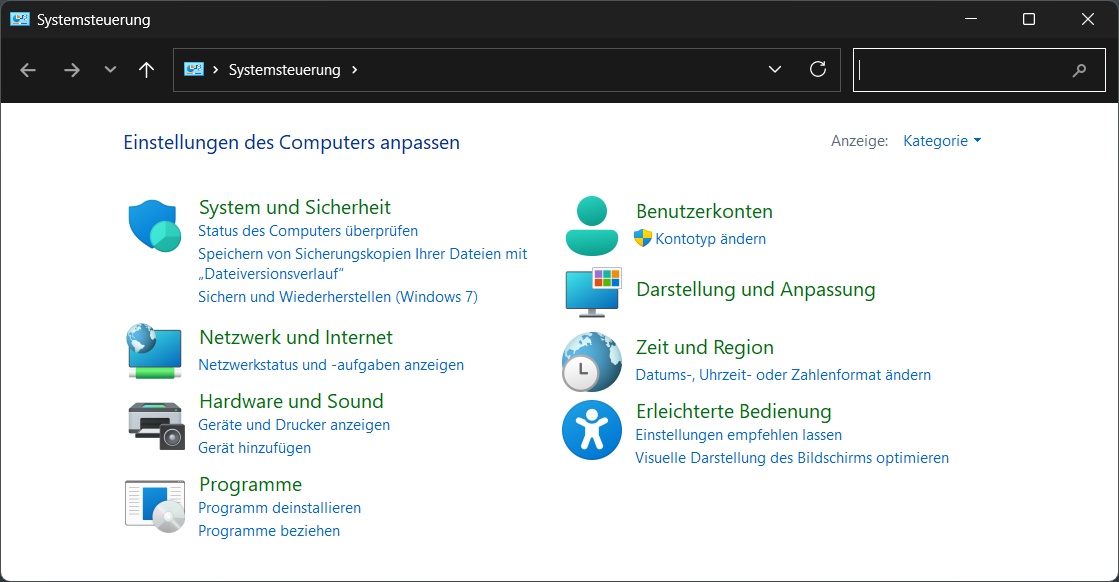
2. Select User Accounts / Benutzerkonten
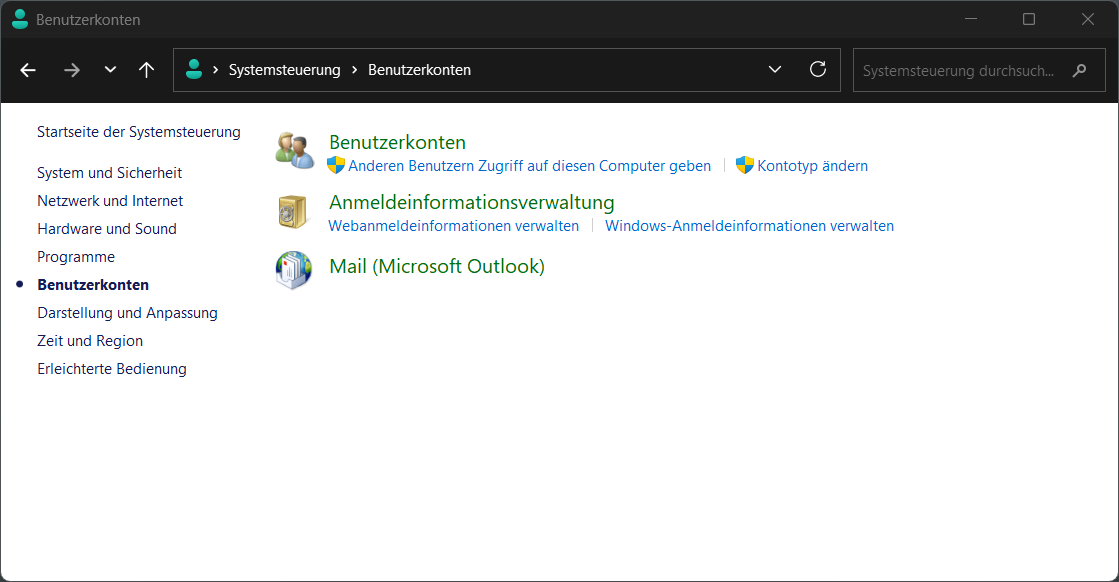
3. Select Mail (Microsoft Outlook)
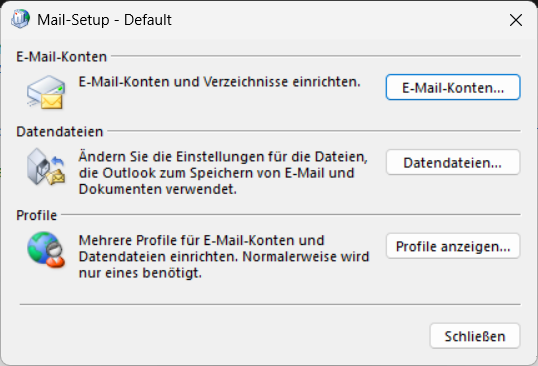
4. At Profile select Show Profiles / Profile anzeigen...
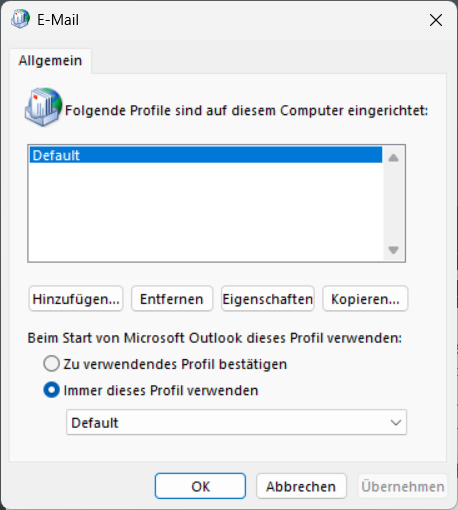
5. Select all necessary Profiles and click Entfernen / Remove
After you do this, the next time you start Outlook you'll need to re-configure your Mail Accounts